Zitella (Video) Player

Made By Zitella (Video) Player Developer

Zitella (Video) Player

By member posted Jan 10, 2023


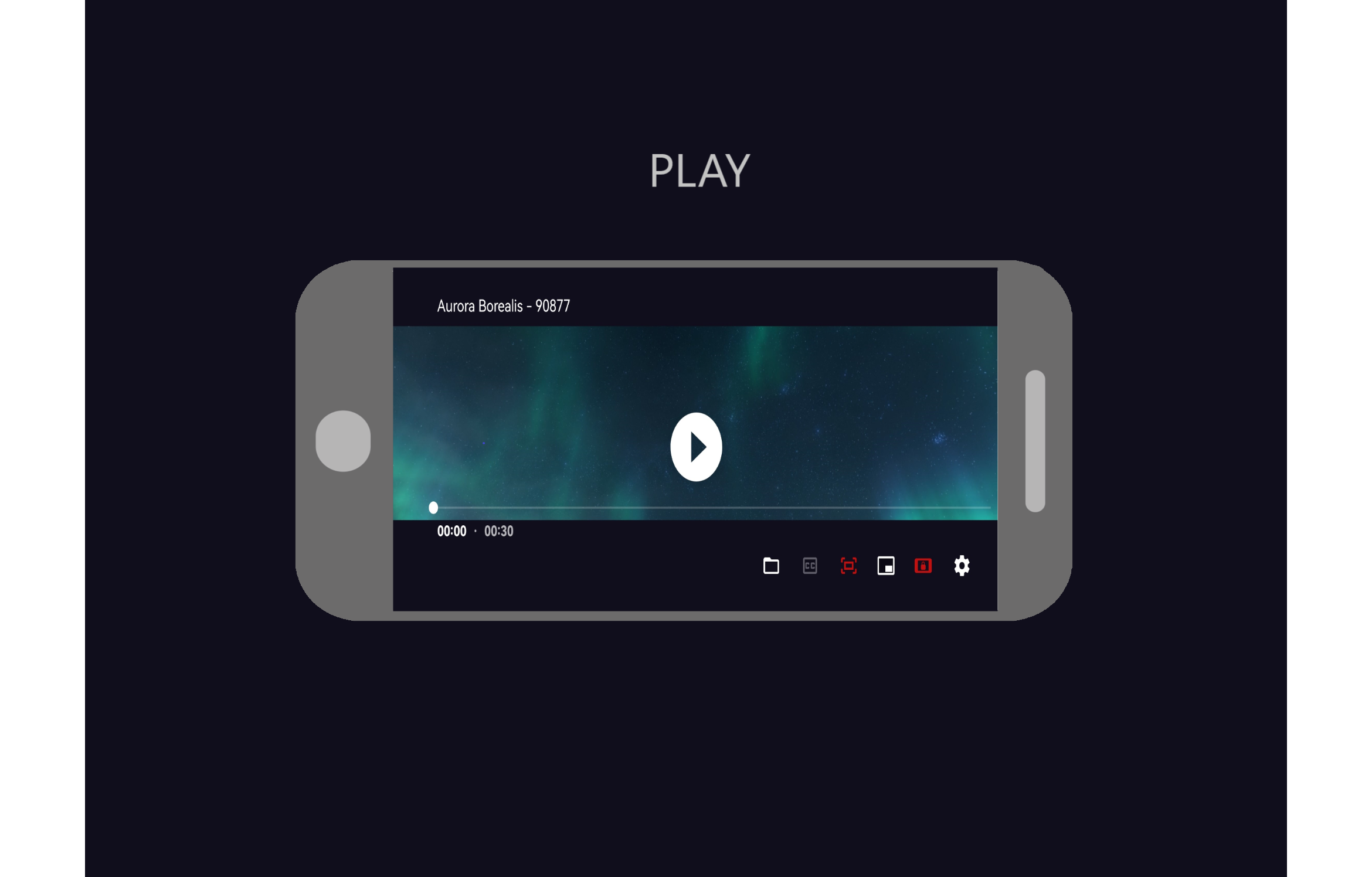
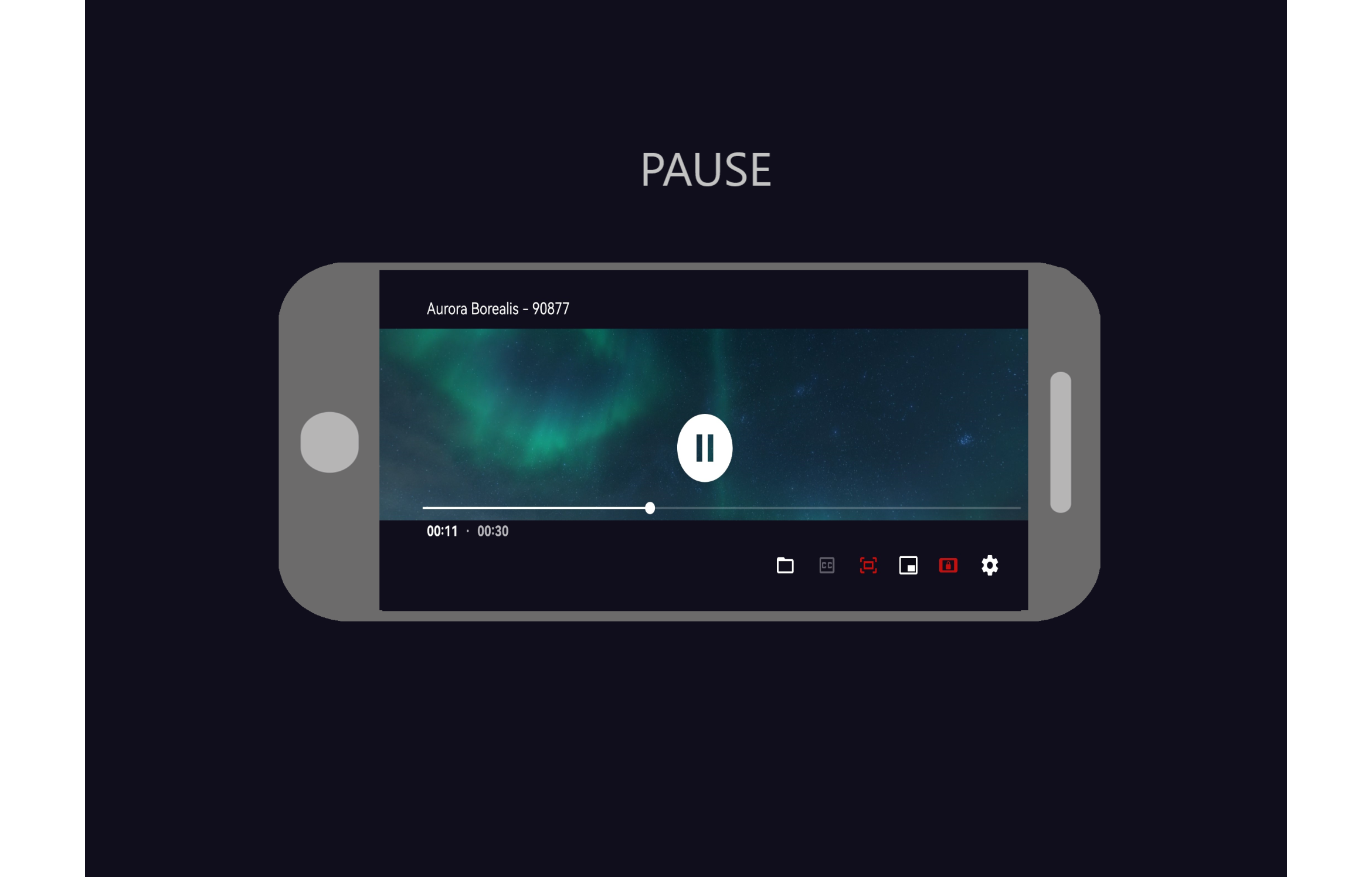
The App Gives You Storage Access To Your Videos: - Has floating window - Supports most formats - Lock and unlock screen orientation - Simple design and Sleek

Based on the ExoPlayer library, an Android video player. All of ExoPlayer's audio formats are enabled, and it uses the ffmpeg extension (it can handle even special formats like AC3, EAC3, DTS, DTS HD, TrueHD etc.). When utilising Bluetooth earbuds or a speaker, the audio and video tracks are correctly synced.


Zitella Hopes To Expand To Other App Stores

Zitella On APKFab (2023)


AAC (LC, ELD, HE; xHE on Android 9+), AC-3, E-AC-3, DTS, DTS-HD, TrueHD, Opus, FLAC, ALAC, PCM/WAVE (-law, A-law), MP1, MP2, MP3, AMR (NB, WB), AAC (LC, ELD, HE), AC-3, E-AC-3, Video: MPEG-4 SP, VP8, VP9, AV1, H.263, H.264 AVC (Baseline Profile; Main Profile on Android 6+), H.265 HEVC * File formats: MP4, MOV, WebM, MKV, Ogg, MPEG-TS, MPEG-PS, and FLV Streaming: RTSP, DASH, HLS, and SmoothStreaming SRT, SSA, TTML, and VTT subtitles Playback of HDR (HDR10+ and Dolby Vision) video on devices that is compatible with or supported.
Features

The following features are available:
  • Playback speed adjustment
  • Audio/subtitle track selection
  • Vertical swipe to modify brightness (left) or volume (right)
  • Pinch to zoom (Android 7+)
  • Horizontal swipe and double press to fast seek
  • On Android 8+ (resizable on Android 11+), PiP (Picture in Picture).
  • Volume boost
  • Auto frame rate matching on Android TV/boxes (Android)
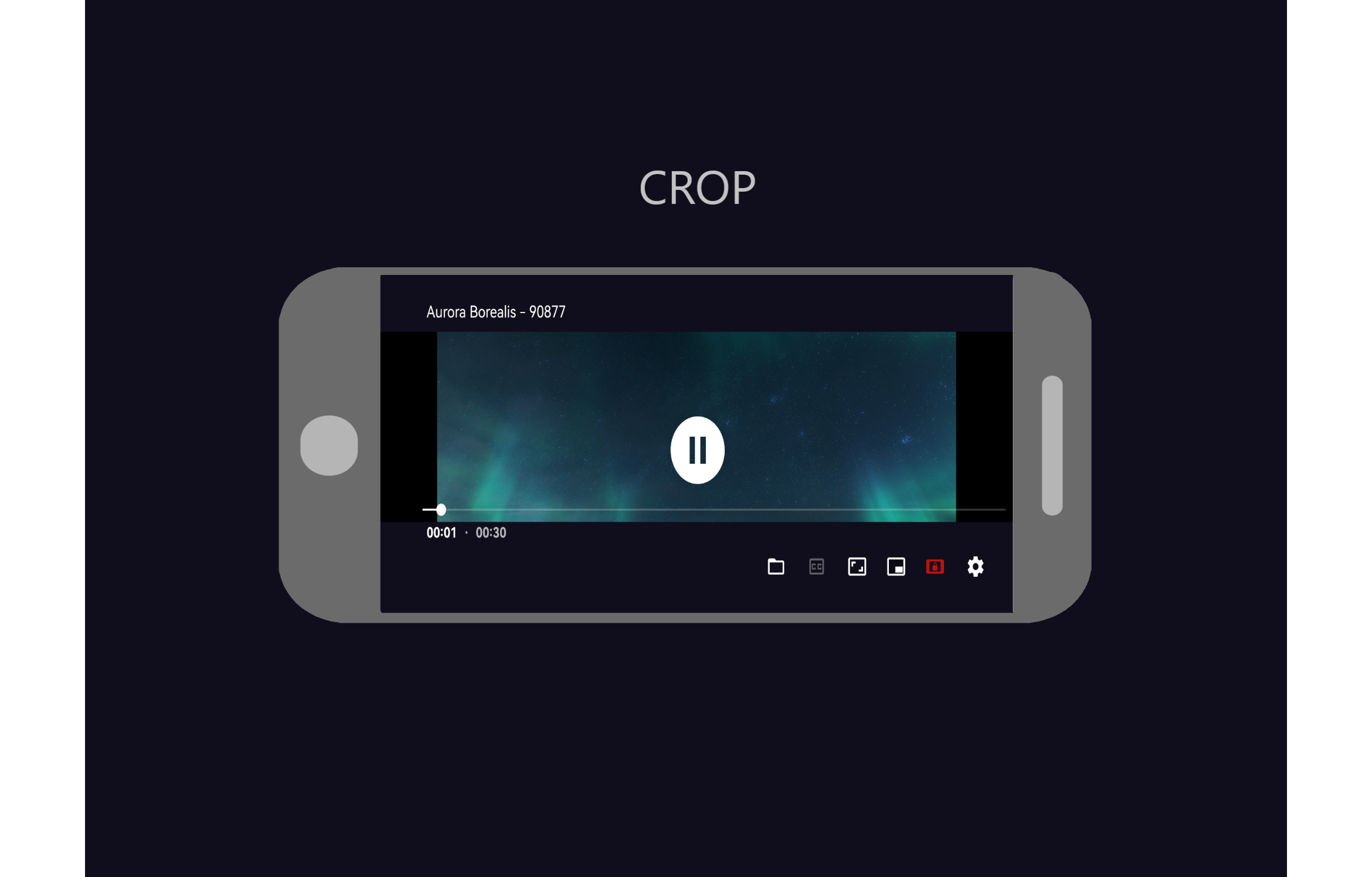
  • Resize (fit/crop) To load external (non-embedded) subtitles, long press the file open action in the bottom bar. The first time you do that, you will be offered to select root video folder to enable automatic loading of external subtitles.

More Information

  • Where do I enter a url to get a streaming link? Although zitella Player lacks a user interface for entering internet addresses, it is authorised to handle all compliant streaming connections. Zitella Player should typically be presented as an option when opening/tapping links in other programmes. (However, this might not always work, especially on Android 12+.)
  • As an alternative, Select Share from the source app's text url menu, then look for Zitella Player to play it.
  • How can I zoom in so that the black bars are gone? If your smartphone has a touchscreen, you may crop an image by tapping the Resize button or by using the pinch-to-zoom action. Google TV: To activate Zoom mode, long-tap the Resize button. Use Up after that.


Wall Posts - Stay Informed